
How it works
From the work your team already does to work that gets done for you
Monky learns how your team's repetitive work gets done, shows it to you plainly, and once you certify it, does it for you. Four steps, and you are in charge at every one.
1. You choose what Monky learns from
Install Monky on Windows or Mac and choose the processes it may learn from. Activity is collected, and only what you choose is processed. Installing does not start learning; you switch it on. Each employee sees who set Monky up, what it does and how to stop it, and agrees before anything is learned from their computer.
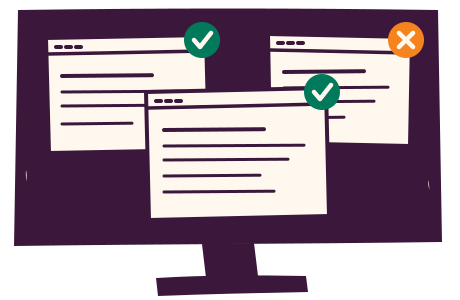
2. Monky learns the work
Monky uses AI to find the repetitive work your team actually does, including the steps nobody wrote down. First useful results come in minutes to days, and improve as Monky keeps seeing. While it learns, you see what it is connected to and what it has found so far. If learning stops, it says so and shows the fix. You get an email when your first workflow is ready.
This part of Monky is called Monky.see.

3. You read it and certify it
Each workflow is displayed plainly, with the evidence behind every step. Change it by asking. Nothing runs until you certify it. Look through it first; certifying takes one click.
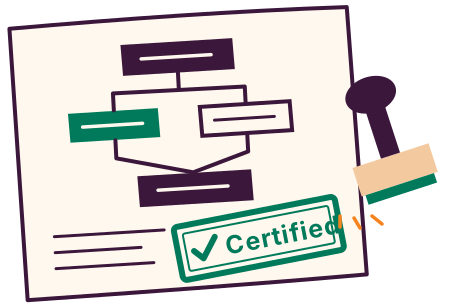
4. Monky does the work
Certified work runs the way you certified it, and you can check on it at any time: every run is logged with what it did, and one switch stops all of Monky's work.
This part is Monky.do.

What Monky learns stays with your team
Workflows belong to your business, not to one person. When someone moves on, the way they did the work stays, and every workflow you certify is one more piece of work nobody has to do by hand again.
See it with your own work
The invitation-only pilot is the way to start.